Configuration guide
Configure Whisker Card from the dashboard visual editor or in YAML.
Table of contents
Visual editor
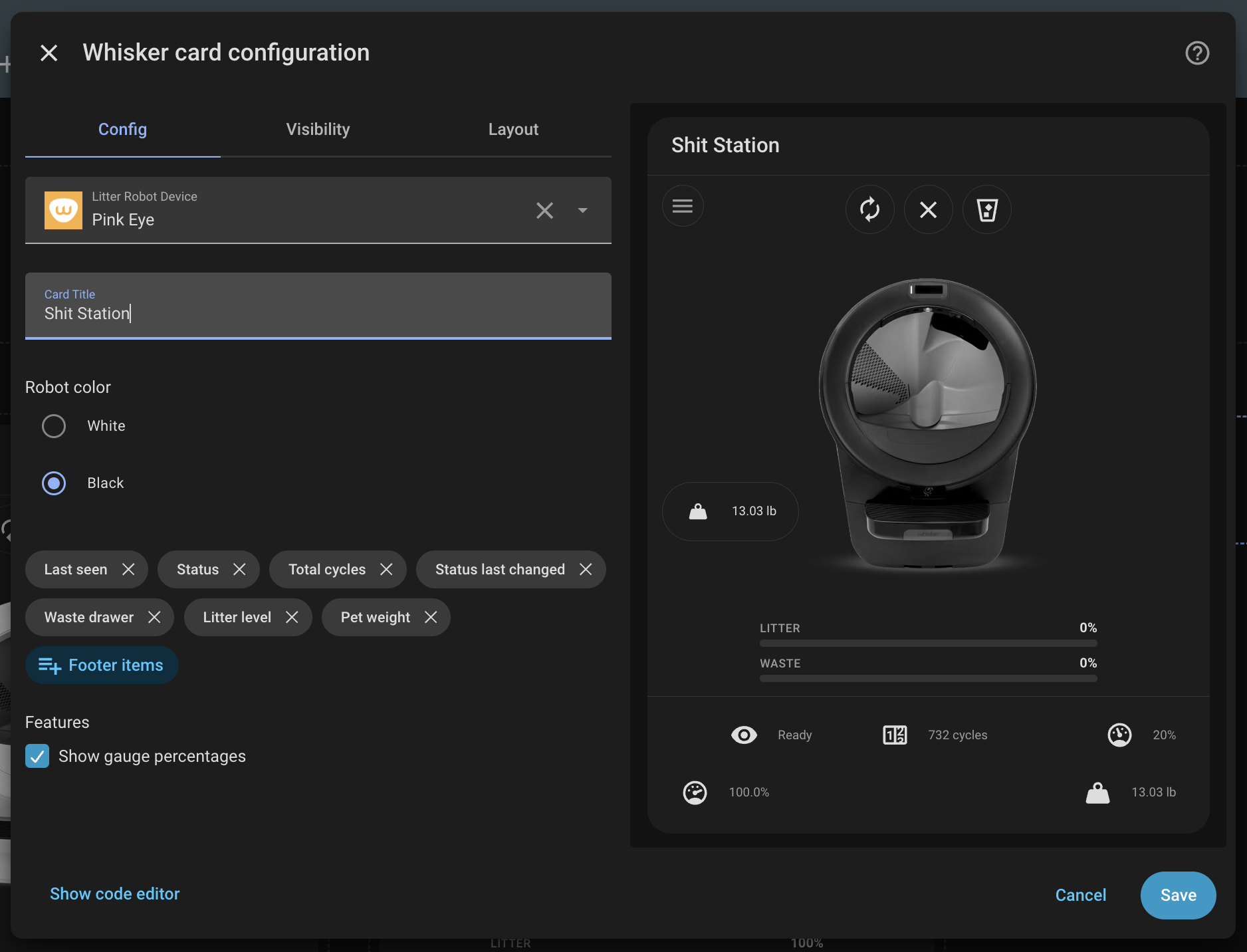
Add the card from the dashboard editor and choose Litter Robot Device (filtered to the litterrobot integration). Optionally set Card Title to override the device name shown in the header, and Robot color to match your hardware. The robot model (Litter-Robot 4 / 5 / 5 Pro / Evo) is detected automatically from the device; only the color (white or black) is a manual choice.
On Litter-Robot 4 with a LitterHopper attached, the card shows a hopper status badge next to the robot status icon when the integration exposes hopper entities. You can also add Hopper status or Hopper connected under Footer items in the editor. See LitterHopper header badge for icon and color details.
The Pet weight chonk section in the editor configures the pet weight graph — pick the graph type (history or statistics), choose weight entities, set the time window, statistic types and chart style (statistics), or hide it. See Pet weight graph.
The Pet visits section configures the daily visits graph — pick the graph type, choose the visits_today entities, set the time window, statistic types and chart style, or hide it. See Pet visits graph.
Each graph renders in its own collapsible section on the card. Both editor sections have a Start collapsed toggle to have that graph begin closed. See Collapsible sections.
YAML basics
Minimal configuration:
With an optional title:
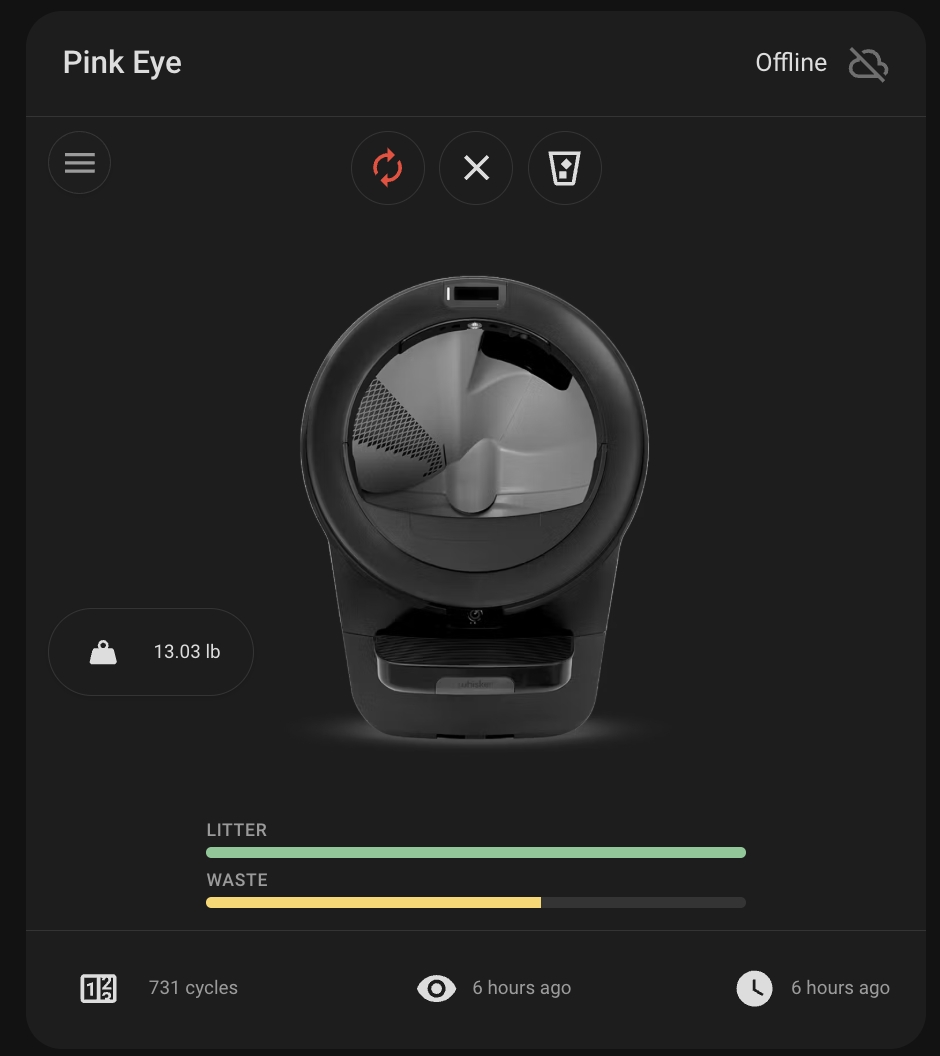
With a black robot (model auto-detected):
See Examples for footer and feature-flag YAML.