Interactions
| Control | Tap / click | Hold (press and hold) |
|---|---|---|
| Litter box (vacuum) | Starts a clean cycle (vacuum.start) |
Opens the standard Home Assistant more-info dialog for that entity |
| Reset | Presses the reset button (button.press) |
Opens more-info for that entity |
| Reset waste drawer | Presses the waste-drawer reset button (when enabled in HA) | Opens more-info for that entity |
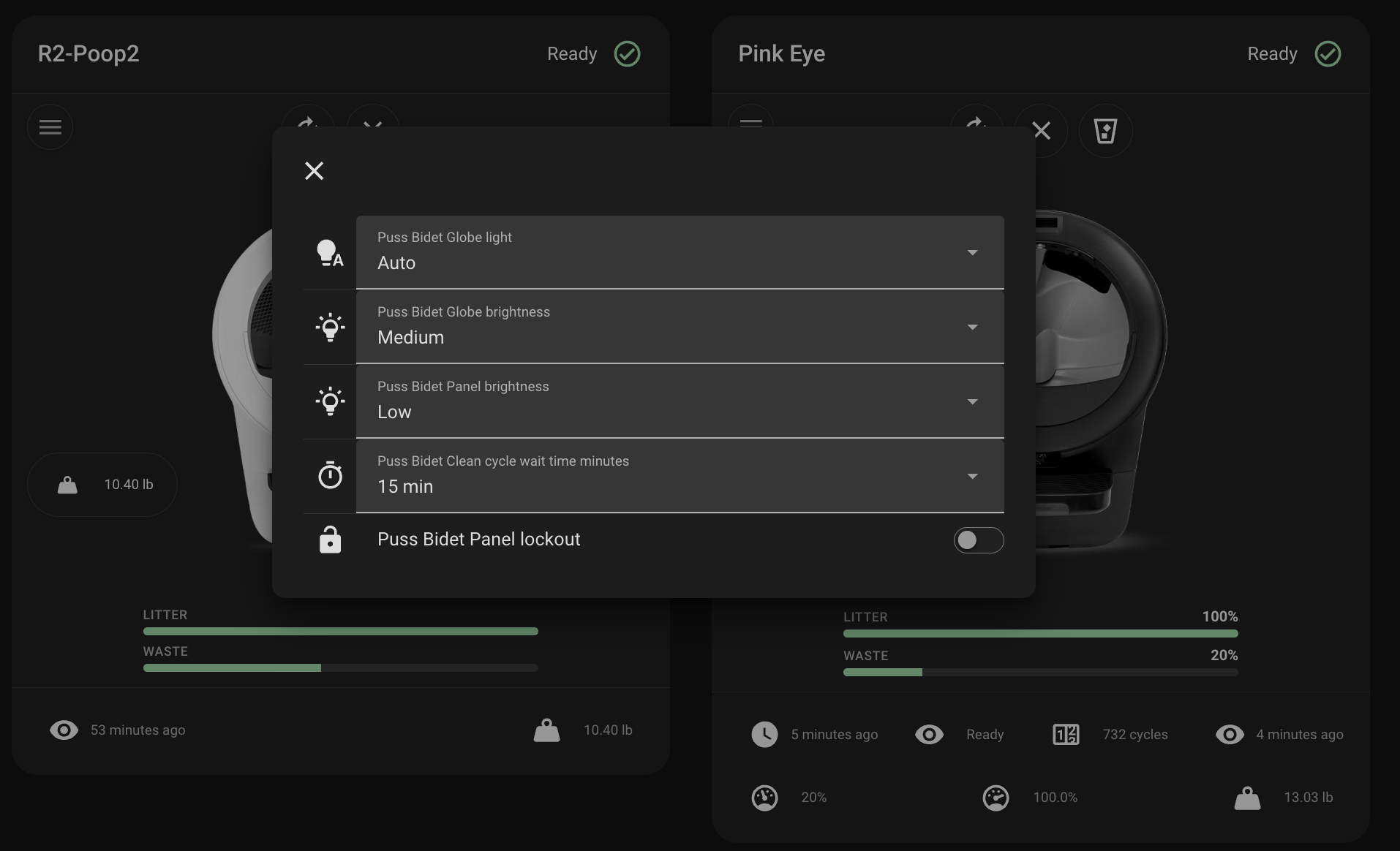
The controls menu (hamburger icon) opens a dialog of full entity rows—use each row’s own tap/hold behavior as in the rest of Lovelace.
Litter / waste gauges: click opens more-info for the corresponding entity.